Pro
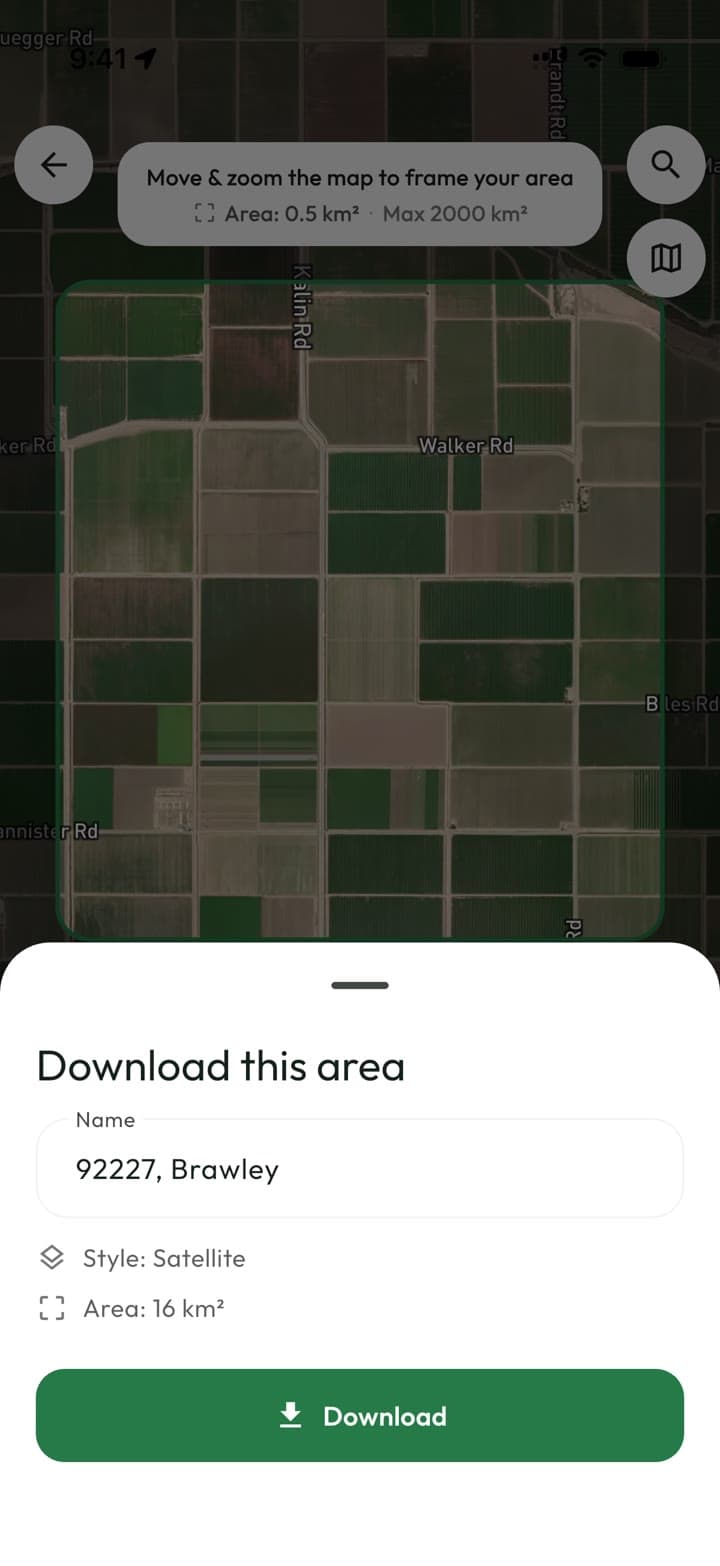
Offline maps
Download satellite imagery for an area before you go. Out there, view the map, measure, cut out holes and save jobs with zero bars.

Tap a boundary on satellite imagery or walk it with GPS. Acrea gives you the area, perimeter and every edge on the spot — then hands it off as a PDF report, a DXF, or a link anyone can open.
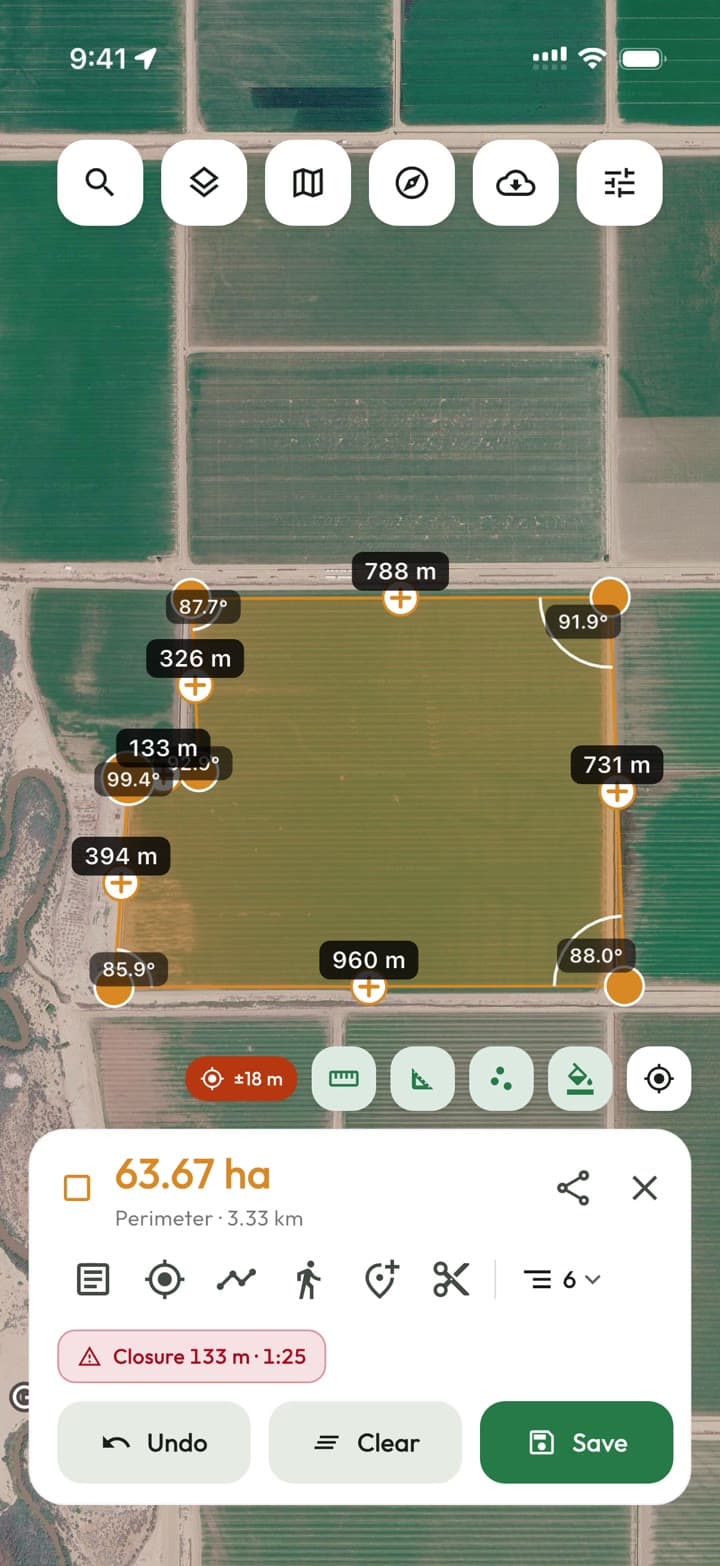
Area
63.67 ha
Exported
north-paddock.dxf
Built for people who measure land for a living
How it works
Measure, refine and hand off from one app — the same parcel, start to finish.
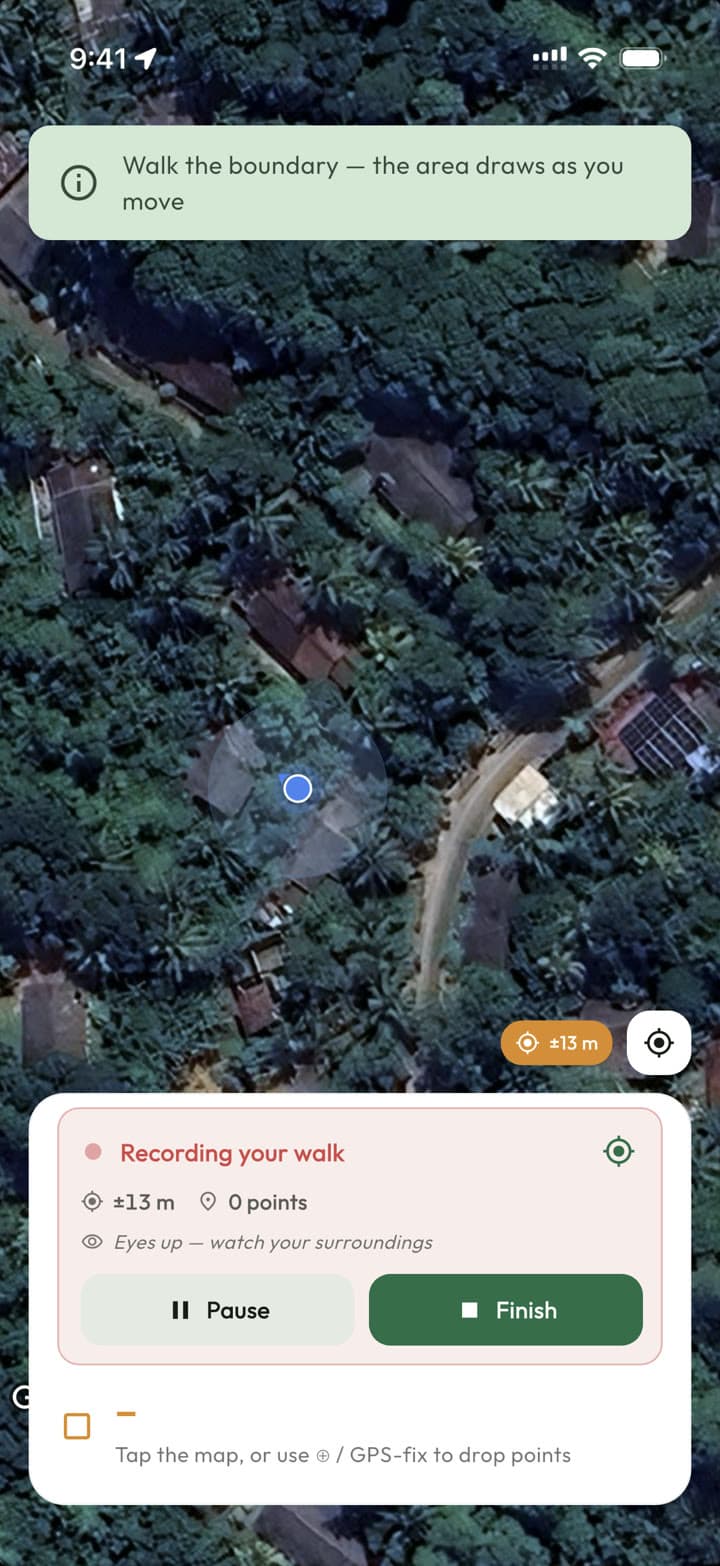
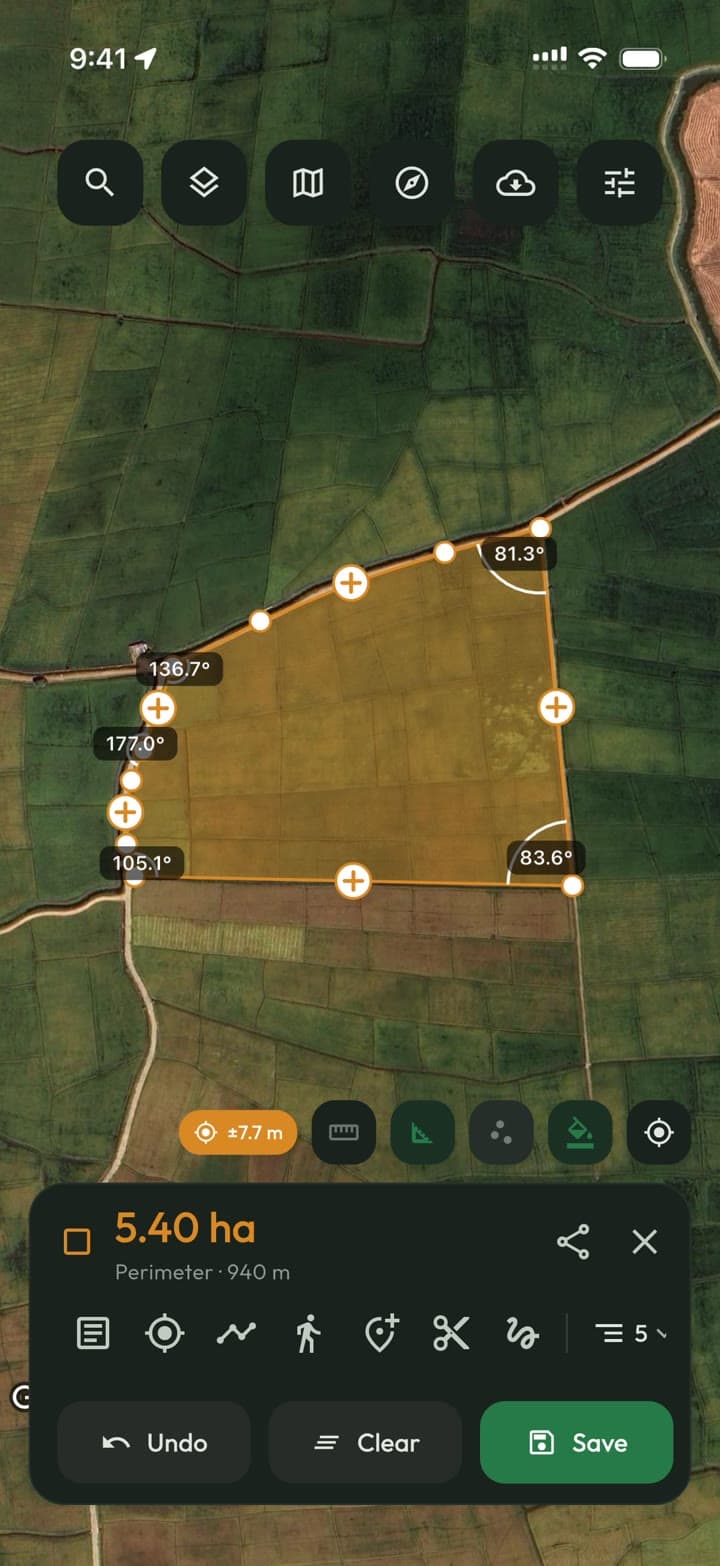
Tap corners on satellite imagery, or walk the edge and let GPS draw the area as you move. Area, perimeter, every edge and every angle update as you go.
Area and distance on satellite, terrain or standard maps.
Records the perimeter from GPS while you walk it.
Samples a corner while you stand still, for a steadier point.
Acres, hectares, m² or perches; DMS, UTM or MGRS coordinates.
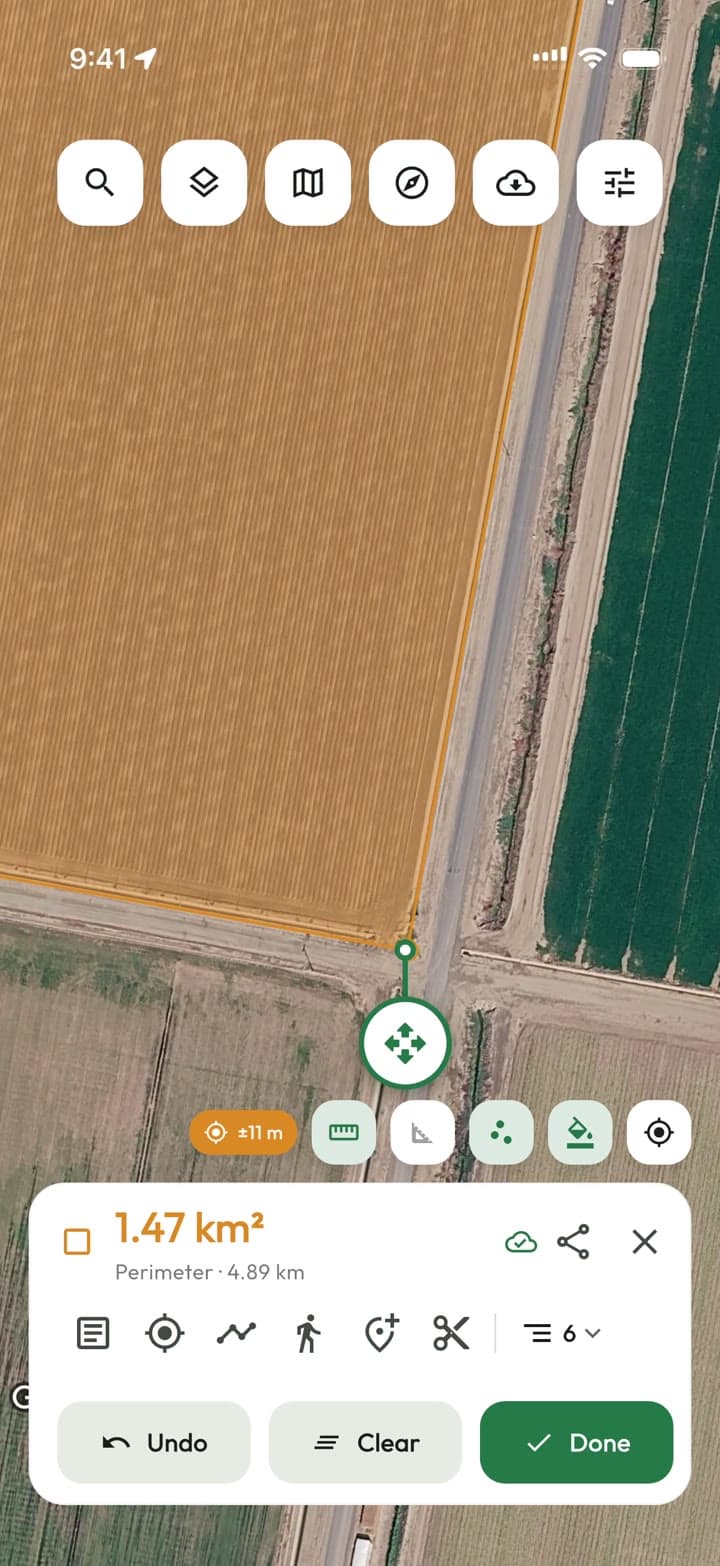
Real boundaries aren't straight lines. Drag and insert points, bend edges into arcs, cut out ponds and buildings, and enter traverse legs when you have the numbers.
Arcs for curved edges, holes for what isn't part of the parcel.
Build a boundary from bearings and distances.
Type or paste the coordinates for any vertex.
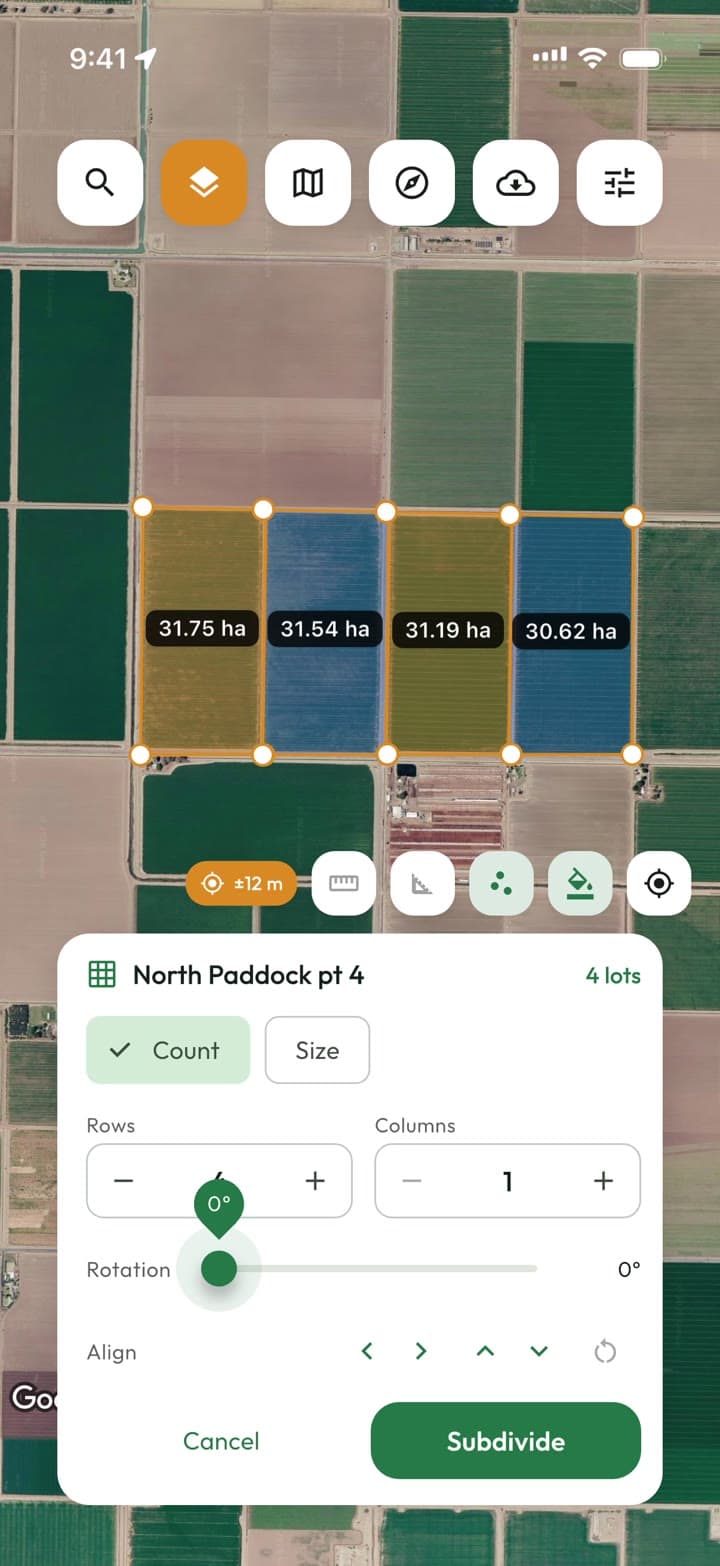
Break a parcel into lots by count or size, or join neighbours.
Hand the work to whoever needs it next, in the format they already use. Every GIS and CAD export is free — getting your data out is never the thing you pay for.
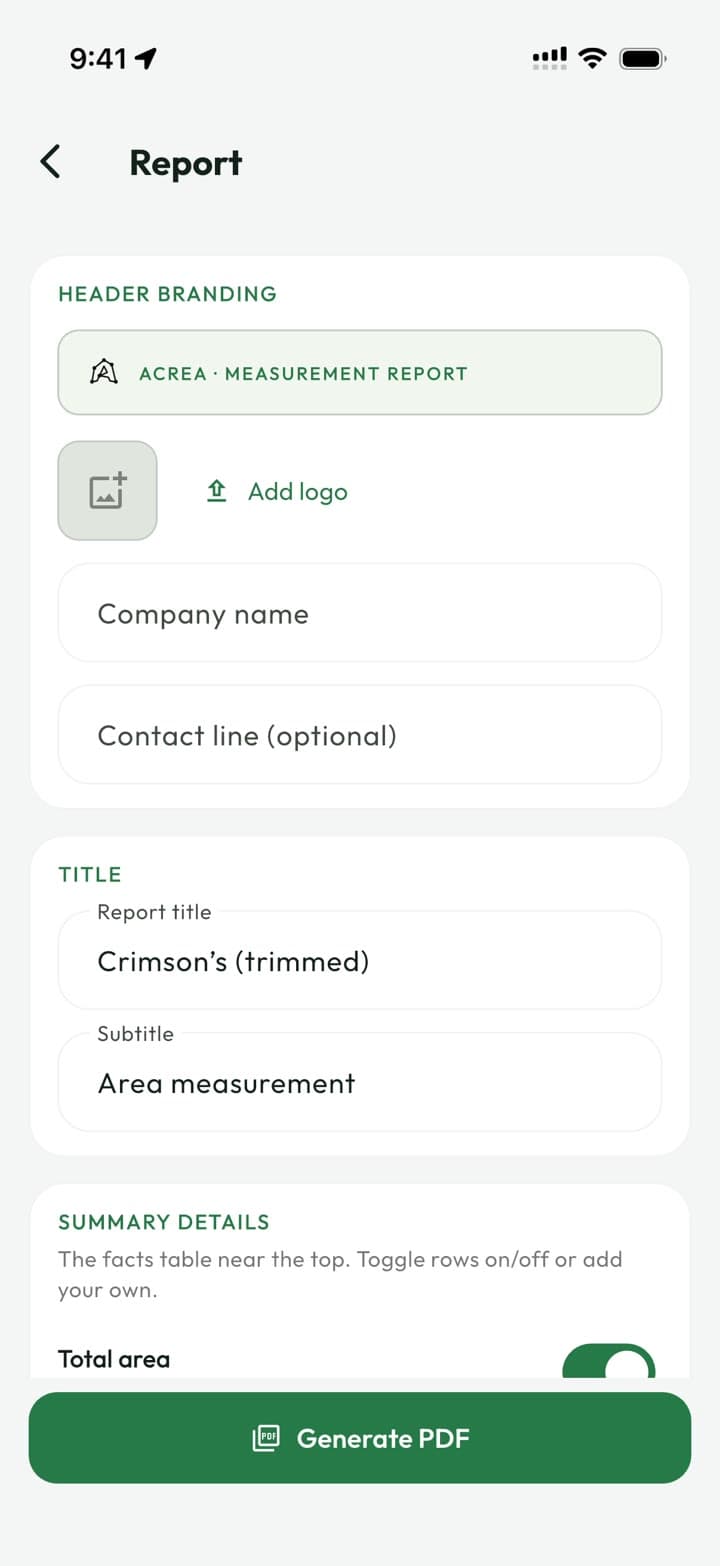
Your logo, a site map, coordinates and a legal description.
One parcel or all of them, into AutoCAD, QGIS or ArcGIS.
An interactive map anyone can open in a browser.
A clean snapshot of the parcel, framed for messaging apps.
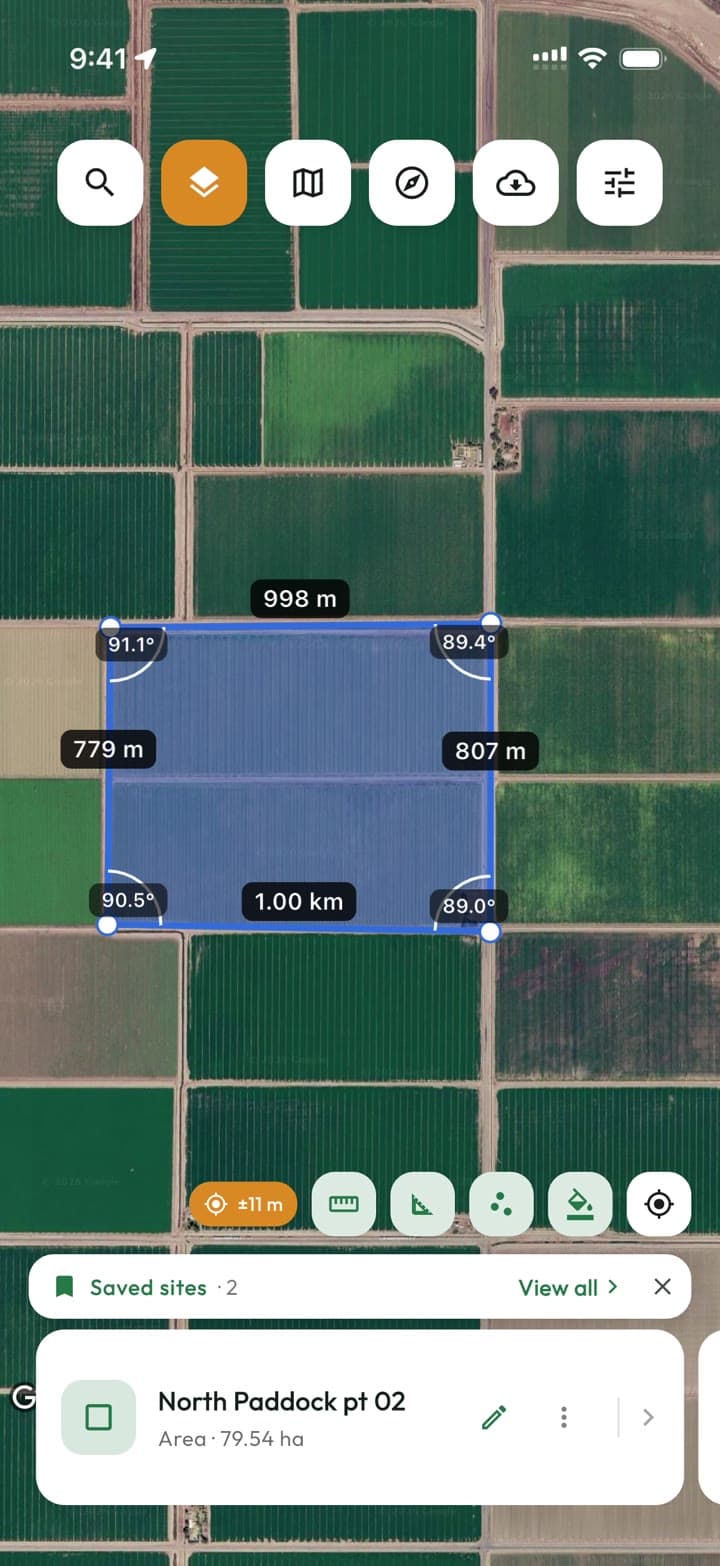
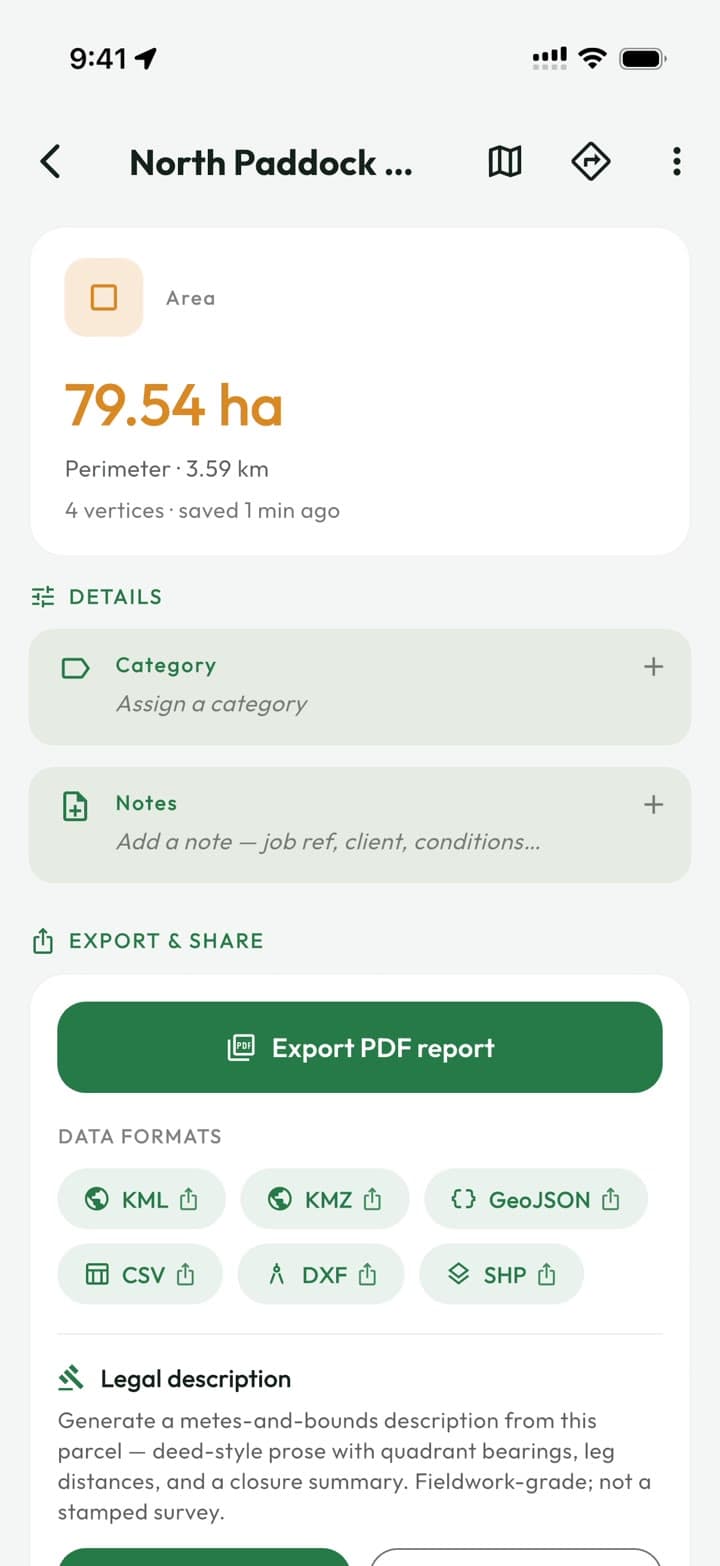
North Paddock pt 02
79.54 ha · Agri
And everything around it
The details that matter when you're standing at a fence line with one bar of battery and a client on the phone.
Download satellite imagery for an area before you go. Out there, view the map, measure, cut out holes and save jobs with zero bars.
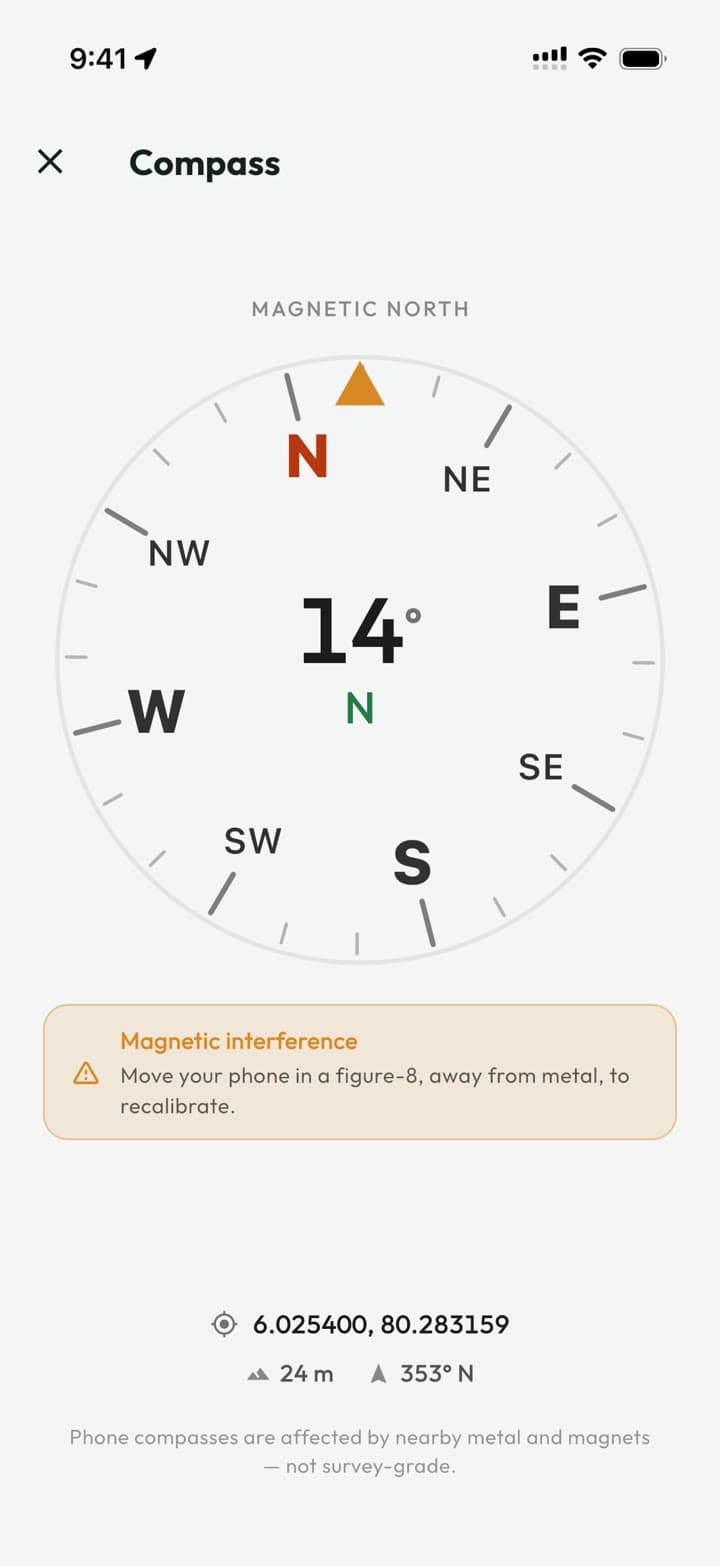
A compass with a bearing readout, and a warning when nearby metal is throwing it off.
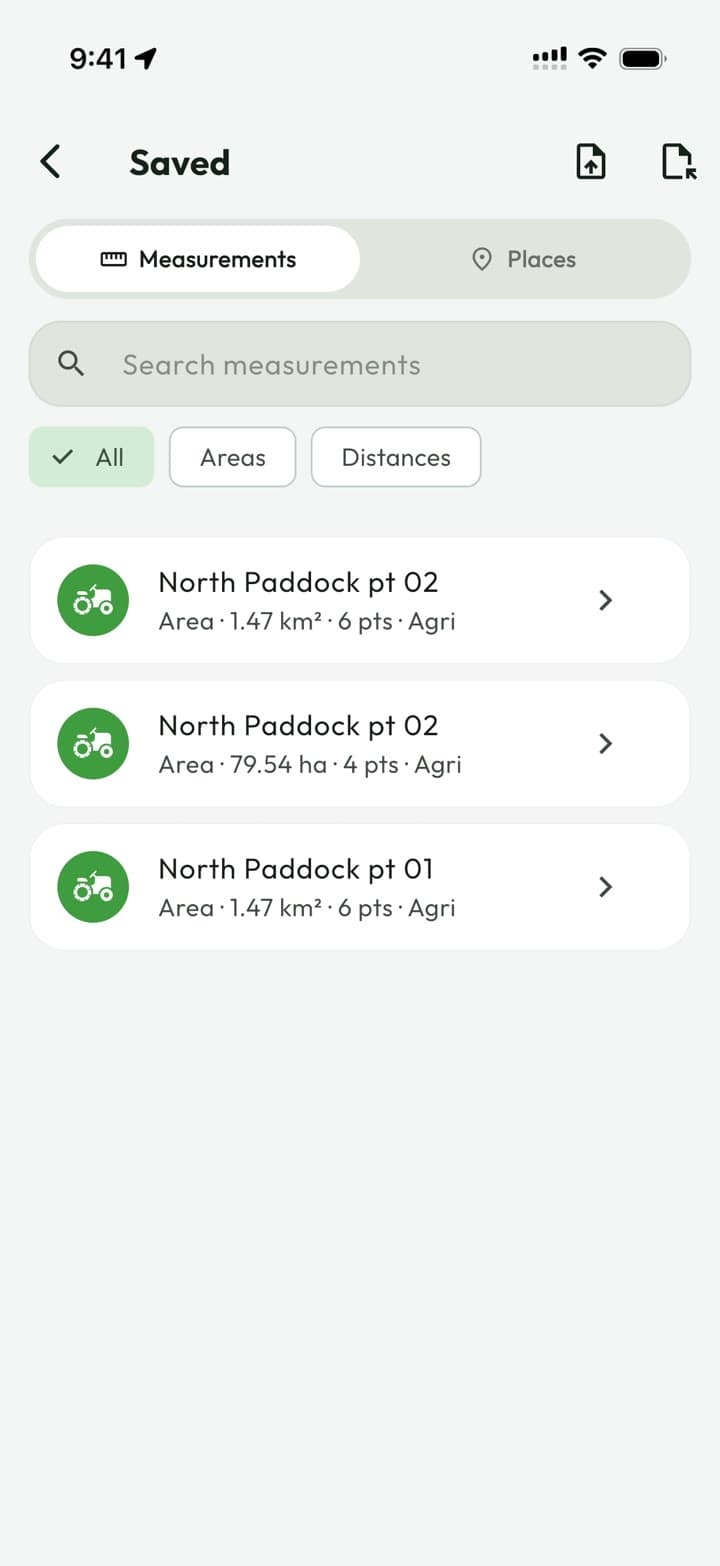
Bring in existing boundaries from any of six formats.
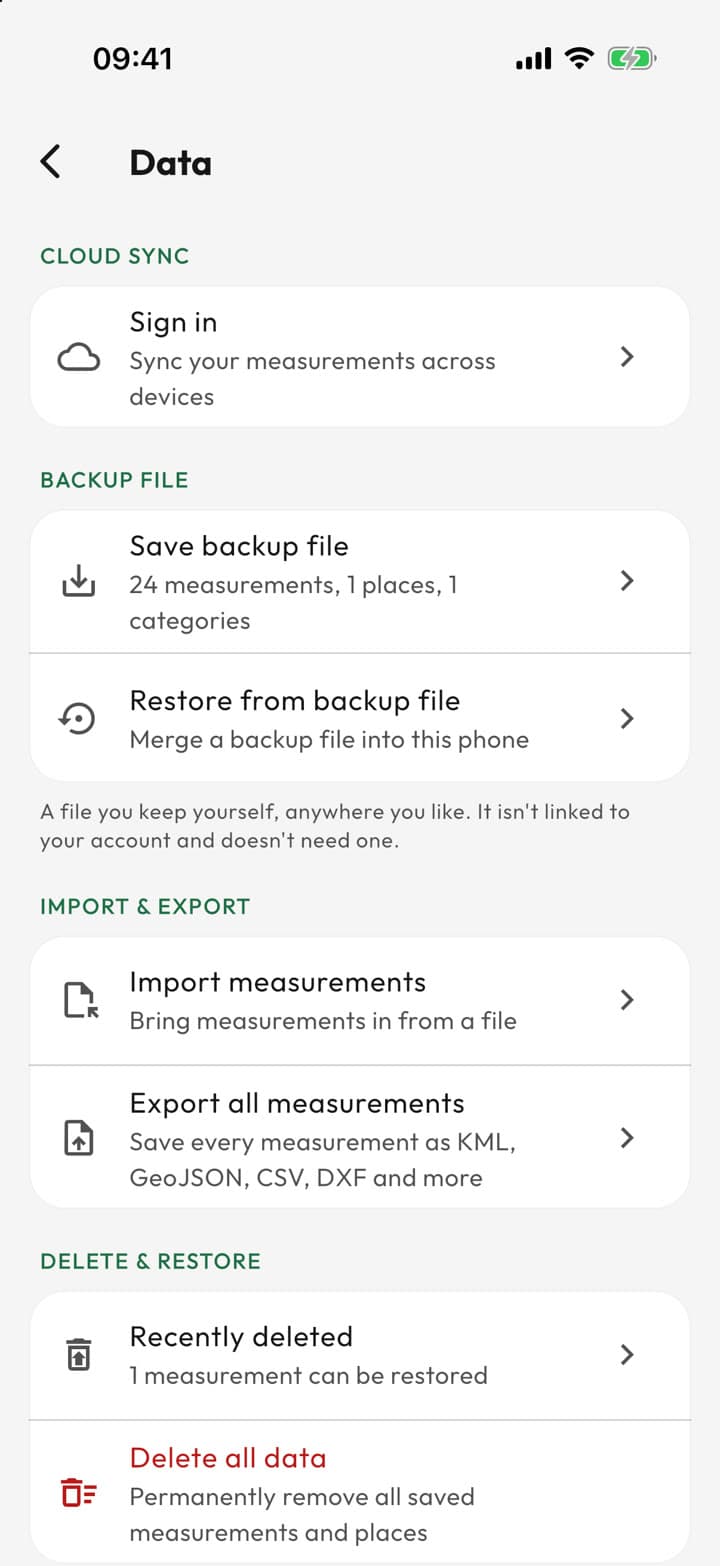
Undo any delete, find anything you missed in Recently deleted for 90 days, and back up your whole portfolio to one file.
11 languages, metric or imperial units, light or dark — set up the way your crew works.
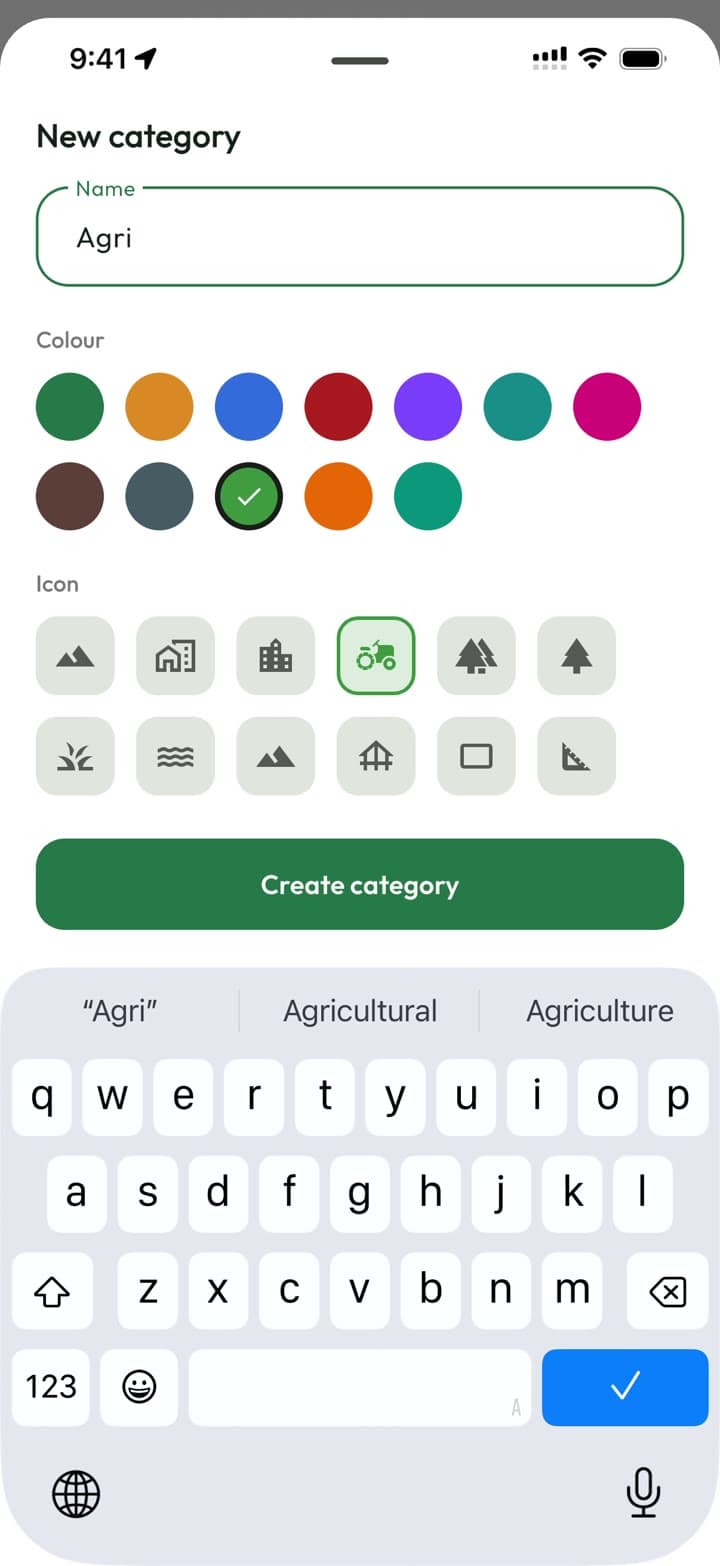
Colour-code parcels by land type, gather jobs into groups, and overlay every saved site on the map to see the whole portfolio at once.
Search any address, save the places you keep coming back to, and get directions to the gate.
Use cases
Different jobs, same problem: you need a number you can trust, on site, before you drive away.
Cloud sync & Teams
Measure on one phone, pick it up on another, and keep everyone on the same set of jobs — without exporting, emailing or re-drawing a thing.
No signal
Saved on your phone
Back in range
Changes upload
Synced
On every device
Every save lands on your phone instantly and uploads when there's signal. No spinners, no retries, no errors in the valley.
Changed the same shape on two offline phones? Acrea keeps both and marks one as a conflicted copy.
Switch with one tap. Your personal workspace stays separate and private.
Owner, Admin, Can edit and View only. Viewers are free and unlimited, so a client or the office can follow along.
A team runs on Acrea Teams. One subscription covers every team you own, and the people you invite don't need one of their own.
Send each person a link that carries their role. Every invite is single-use and expires after 14 days.
Honest numbers
Phone GPS is good, not magic. Acrea shows you exactly what you're working with, so you can decide when a quick check is enough.
The current accuracy — ±3 m, ±9 m — stays on screen the whole time you measure. No confident number with nothing behind it.
Stand still on a corner and Acrea samples your position, then uses the mean — steadier than any single fix.
GPS is used on your device to place points where you stand. Your location history isn't logged.
A note on accuracy. Acrea uses your device's consumer GPS and mapping data. Results are estimates for planning and reference — they are not a legal survey and should not be used to determine legal property boundaries. Only measure land you own or have permission to survey. See our Terms of Use.
Pricing
Every export format is free — your measurements are yours, and getting them out is never the thing you pay for. Acrea Teams puts the whole crew on one set of jobs.
For quick checks and smaller jobs.
Free
No account, no card.
Download freeFor professionals working in the field.
Unlimited
Subscribe in the app; see or change your plan any time in Settings → Your plan.
Get Acrea ProEverything in Free, plus:
For crews sharing one set of jobs.
Your crew
The people you invite don't need a subscription of their own.
Get Acrea TeamsEverything in Pro, plus:
Yes. GPS doesn't need a data connection, and everything you save is written to your phone first. Map imagery does need a connection — unless you download the area beforehand with Offline maps (Acrea Pro), after which you can view the map, measure and save jobs with no signal at all.
Acrea uses your phone's GPS and the map imagery, and shows the live GPS accuracy on screen the whole time, so you always know what you're working with. GPS averaging steadies a point by sampling while you stand still. Results are estimates for planning and reference — they are not a legal survey and shouldn't be used to determine legal property boundaries.
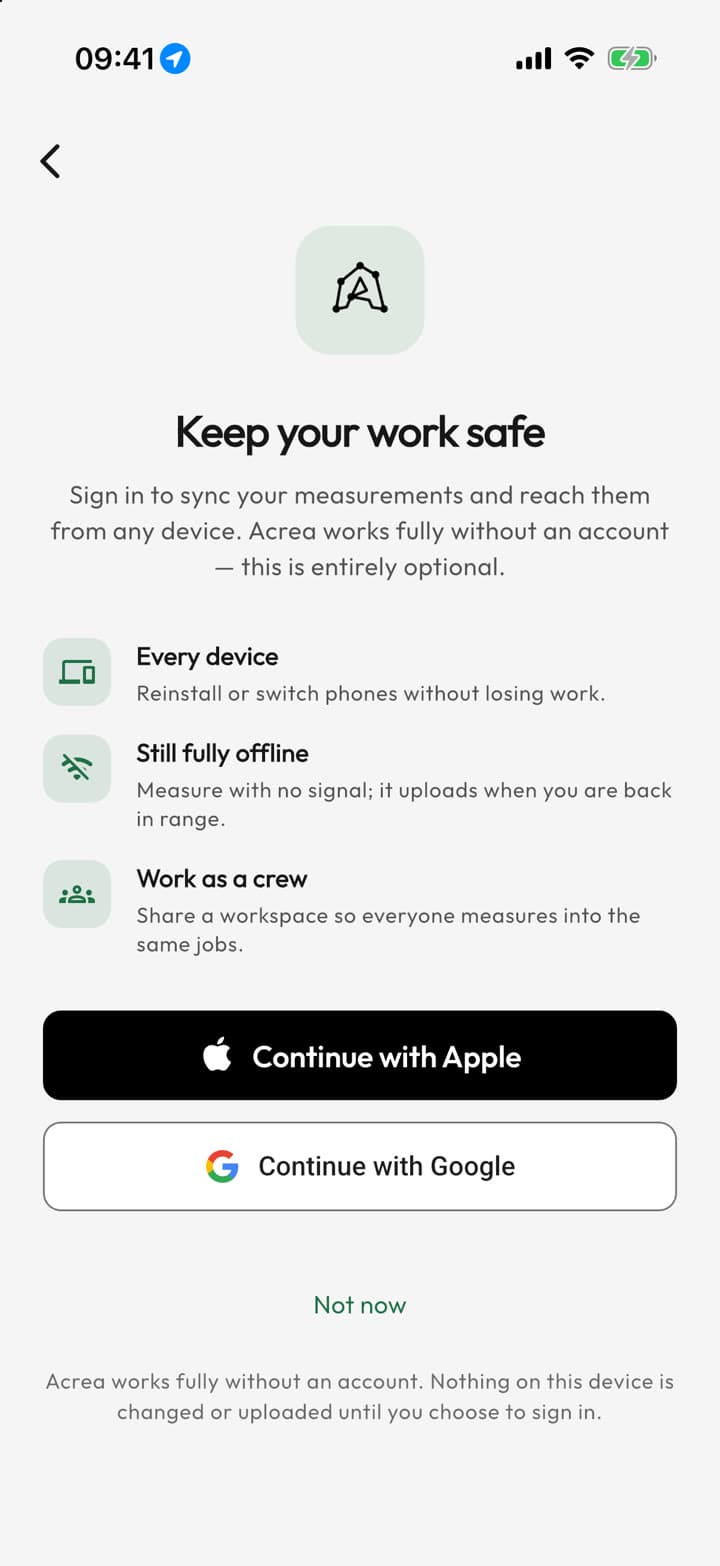
No. Acrea works fully without one, and your measurements stay on your device. Signing in with Apple or Google is optional: it syncs your work across your devices (with Acrea Pro) and lets you join a team.
Yes, and it's free. Export one measurement or all of them to DXF, Shapefile, KML, KMZ, GeoJSON or CSV, and import the same formats. Branded PDF reports and legal descriptions are part of Acrea Pro.
Send a share link: it opens in any browser as an interactive satellite map framed on the parcel, with its area, perimeter and notes — no app and no account needed. A map image or a PDF report works too. Links are public to anyone you send them to, so don't share a boundary you need kept confidential. Links you create while signed in can be stopped any time in Settings → Data → Shared links.
No. Location is used to measure, not to track: GPS is used on your device to place points where you stand, and your location history isn't logged. The Privacy Policy has the details.
Signing in on its own changes nothing on your phone. With cloud sync on, your measurements, places, categories and groups are stored in your account, so they're on every phone you sign in on — and you can turn sync off for a phone at any time. Work saved in a team is visible to its members, and share links are public to anyone who has them. The Privacy Policy has the details.
Both, with the same features on each. It's available in 11 languages.
Free on iPhone and Android. No account, no card — open it and start measuring.